
Import & export
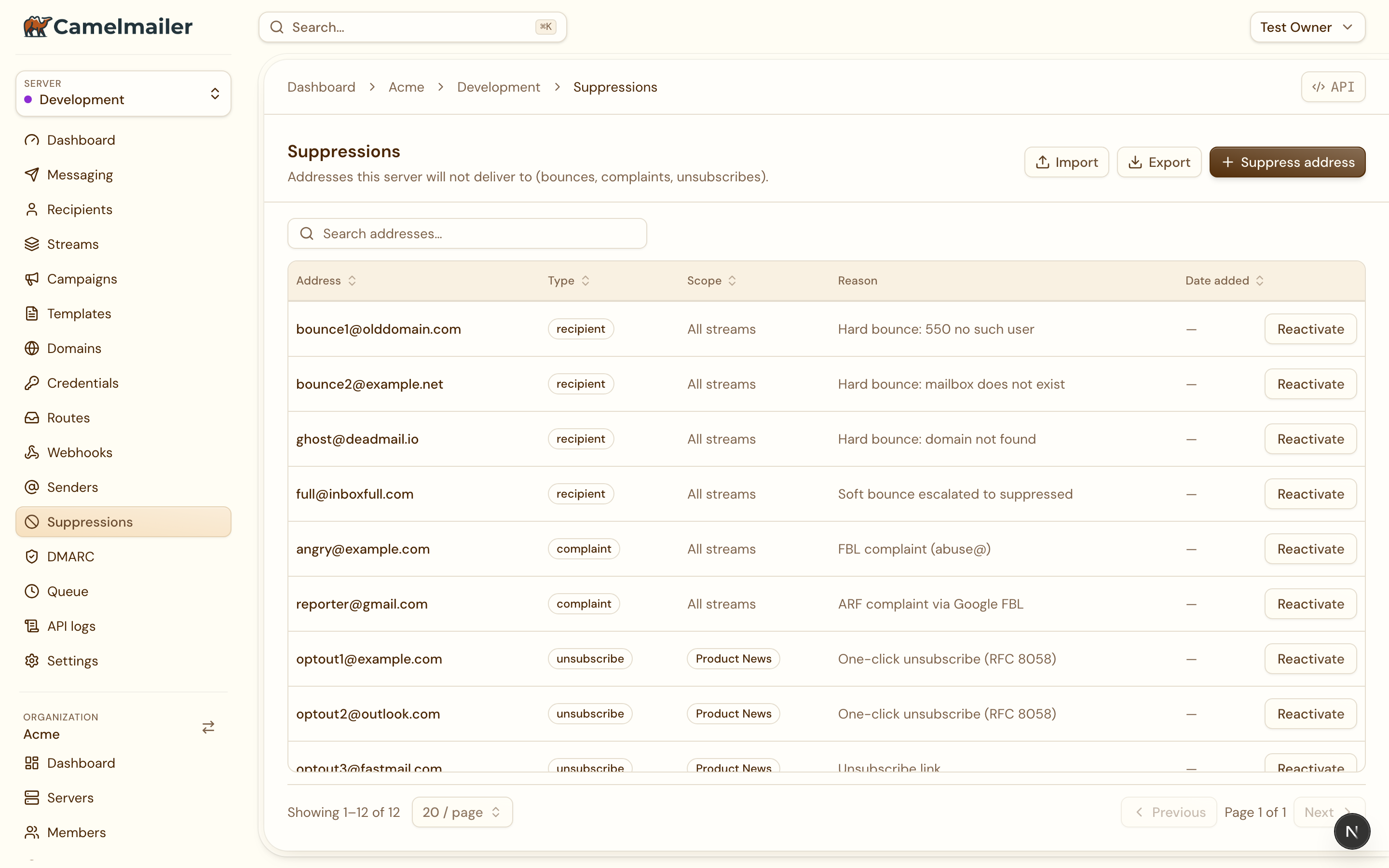
Most lists in the dashboard move data in and out through two shared dialogs. Export picks columns and a format; import parses a CSV that matches a template you can download first. The same pair is wired across the app, so the flow is identical wherever you meet it.
Export
The export dialog opens from a list’s Export action. It lets you choose which columns to include, then a format:
| Format | What you get |
|---|---|
CSV | A comma-separated file for scripts and data tools. |
JSON | A structured array, useful for re-importing or feeding another system. |
Excel CSV | A CSV shaped for a clean open in spreadsheet software. |
The column picker means an export carries exactly the fields you want, rather than every column of the table. The file is generated in the browser from the rows already loaded.
Import
The import dialog reads a CSV and creates one record per row. To keep the columns right, it offers a template download first: a CSV with the correct header row, so you fill in data under headers the importer already understands. On import it parses the CSV and creates each row through the same API the manual form uses, reporting what it touched.
Where it is wired
Not every list supports both directions. Import needs somewhere to create rows, and some data (a delivered message, a queue entry) is a record of something that happened rather than something you author. The coverage:
| Area | Import | Export |
|---|---|---|
| Domains | Yes | Yes |
| Routes | Yes | Yes |
| Webhooks | Yes | Yes |
| Senders | Yes | Yes |
| Suppressions | Yes | Yes |
| Templates & Layouts | Yes (JSON) | Yes (JSON) |
| Credentials | No | Metadata only, never the key |
| Messages, API logs, Queue, Recipients | No | Yes |
Notes on the edges
- Templates and layouts move as JSON, since their bodies are structured HTML rather than flat columns. See Layouts & the block editor.
- Credentials export their metadata (name, type, dates) and never the secret. A key is only ever shown at creation and in the details lightbox. See Credentials & routes.
- Messages, API logs, the queue and recipients are export-only, since they record delivery history you read rather than rows you create.